



LLMs: Replacing OpenAI's ChatGPT Endpoints with AptAI API's Private Endpoints
AptAI APIs provide endpoints that can replace OpenAI's ChatGPT endpoints. This means that the OpenAI's API clients (Python and Node.js libraries) can be used with AptAI APIs.
The migration is easy and straightforward. Simply replace the Base URL and API Key of OpenAI with your AptAI APIs Running Server URL and API Key.
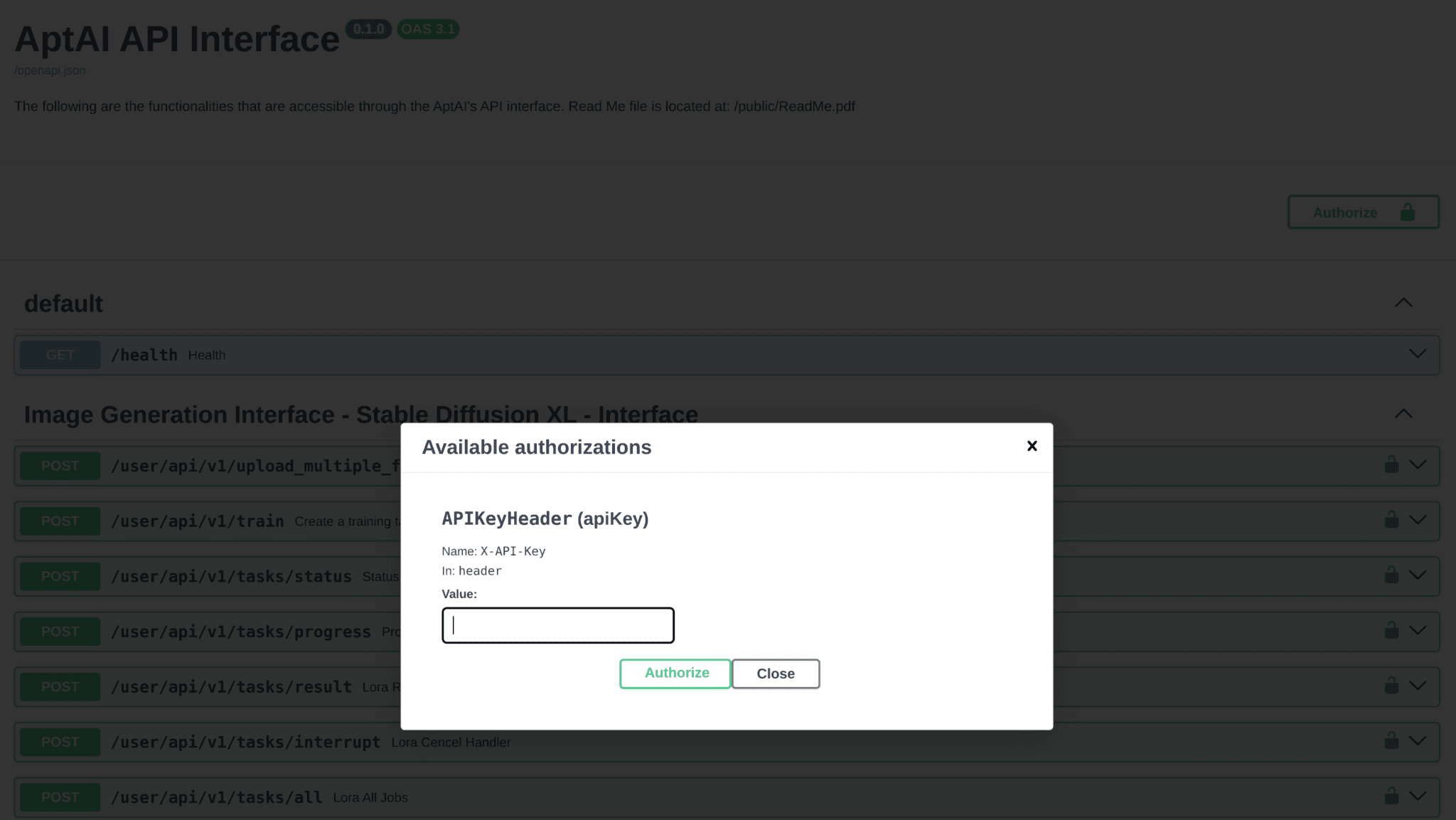
The Running Server URL is a randomly generated URL that is created once you create your private server. The API Key can be found in the AptAI Admin page by clicking on "Show Credentials" for your running server.
from openai import OpenAI

client = OpenAI(
    api_key="<YOUR-PRIVATE-API-ENDPOINT-API-KEY>",
    base_url="<YOUR-RUNNING-SERVER-URL>",
)
After setting the Base URL and the API Key, the OpenAI client will work as before except for the functionalities that are currently not supported by AptAI APIs.
Fine-Tuning LLMs with AptAI
As mentioned above, supported functionalities of AptAI LLM API work with OpenAI clients. Here is an example for fine-tuning the Mistral model.
Step 1: Upload your training file
First you need to prepare a JSON file with the same format as described by OpenAI's API references and upload it to your private server.
response = client.files.create(
    file=open("<PATH-TO-JSON-FILE>", "rb"),
    purpose="fine-tune",
)
file_id = response.id
Step 2: Create fine-tuning job
Once the file id is retrieved it can be used to create a fine-tuning job. Feel free to specify the hyperparameters as you desire.
response = client.fine_tuning.jobs.create(
    model="mistralai/Mistral-7B-Instruct-v0.2",
    training_file=file_id,
    hyperparameters={"batch_size": 2, "n_epochs": 100},
    suffix="<YOUR-FINE-TUNING-MODEL-SUFFIX>",
)
job_id = response.id
Step 3: Check the status of the fine-tuning job
response = client.fine_tuning.jobs.retrieve(job_id)
fine_tuned_model_name = response.fine_tuned_model
print(fine_tuned_model_name)
Step 4: Use your fine-tuned model
response = client.chat.completions.create(
    model=fine_tuned_model_name,
    messages=[
        {"role": "system", "content": "You are a helpful assistant."},
        {"role": "user",   "content": "<YOUR-QUESTION>"},
    ],
    stream=True,
)
collected = []
for chunk in response:
    msg = chunk.choices[0].delta.content
    collected.append(msg)
    print(f"Message chunk received: {msg}")
print("".join(collected))
List of OpenAI API Client Supported Functionalities
chat (streaming supported) · completions (streaming supported) · files · fine-tuning · models · assistants (coming soon) · embeddings (coming soon) · moderations (coming soon)