



FastVSR: Fast and Efficient Video Upscaling / Video Super Resolution API + MCP Server
TL;DR — Using AptAI you can generate high resolution videos (up to 4K) from low resolution (540p or higher) videos (4× upscaling) efficiently.
Introduction
While modern — i.e., Latent Diffusion Model (LDM) or Generative Adversarial Network (GAN)-based — image upscaling methods have been around a few years now, they are all too slow for upscaling every single frame of a video file. The introduction of WAN-2 based methods for video-to-video generation is changing this trend. Flash Video Super Resolution (FlashVSR) is one of the methods that is very promising both in terms of efficiency and fidelity.
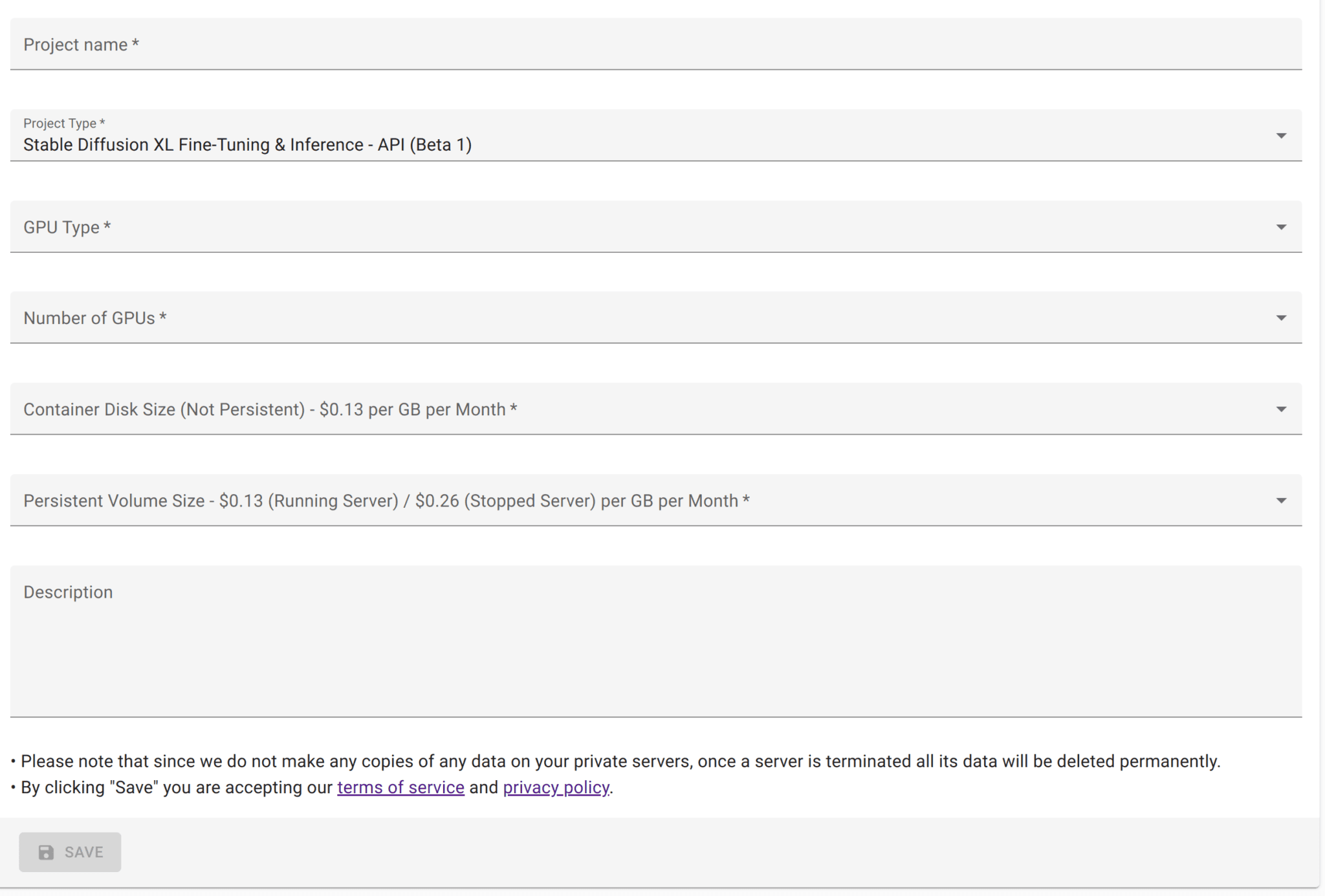
In this article we quickly review how one can easily use AptAI Studio to upscale video files while keeping the cost manageable. While the video upscaling should work on any GPU in principle, large VRAM is required for higher resolution inputs. We have tested A100/H100/H200 GPUs here with 80 GB of VRAM.
Example: Upscaling first ever YouTube video "Me at the zoo" to 4K
In this example we upscale the first ever YouTube video "Me at the zoo" (uploaded over 20 years ago) from 240p to 4K. We do this by applying FastVSR two times to this very small video. Here is a snippet of the result where we have zoomed in a bit to illustrate the details.
Original video: youtube.com/watch?v=jNQXAC9IVRw
1. Upload your video file
import json, time, requests
from urllib.parse import urljoin

header = {"x-api-key": "<YOUR-API-KEY>"}
base_url = "<YOUR-PRIVATE-SERVER-URL>"

files = [("file", open("<PATH-TO-YOUR-VIDEO-FILE>", "rb"))]
url = urljoin(base_url, "/api/v1/upload_files")
r = requests.post(url=url, files=files, headers=header)
file_uuid = r.json()["file_uuids"][0]
print("file_uuid:", file_uuid)
2. Start the upscaling process
payload = {"video_uuid": file_uuid}
url = urljoin(base_url, "/api/v1/fastvsr/start")
r = requests.post(url, data=json.dumps(payload), headers=header)
task_uuid = r.json()["task_uuid"]
time.sleep(5)
3. Track the progress
while True:
    url = urljoin(base_url, "/api/v1/fastvsr/status")
    try:
        r = requests.post(url, json={"task_uuid": task_uuid}, headers=header, timeout=1)
        if r.status_code == 200 and r.json()["progress"] == 100:
            break
    except Exception:
        pass
    time.sleep(10)
4. Download result
url = urljoin(base_url, "/api/v1/fastvsr/result")
local_filename = "./tmp/test_res.mp4"
try:
    response = requests.post(url, json={"task_uuid": task_uuid}, headers=header, stream=True)
    response.raise_for_status()
    with open(local_filename, "wb") as f:
        for chunk in response.iter_content(chunk_size=8192):
            f.write(chunk)
    print(f"File '{local_filename}' downloaded successfully.")
except requests.exceptions.RequestException as e:
    print(f"Error during download: {e}")