



T-Num — A Highly Customizable Transformer-Based Model for Multivariate Numerical Sequential Data Prediction & Analysis
Introduction
Since Transformer-based language models in general and Large Language Models (LLMs) in particular are designed to accept a sequence of input tokens and predict the next token (or classify a sequence, etc.), it is natural to expect good prediction power for Transformer-based models when dealing with other types of sequential data. They are powerful conditional probability distribution estimators.
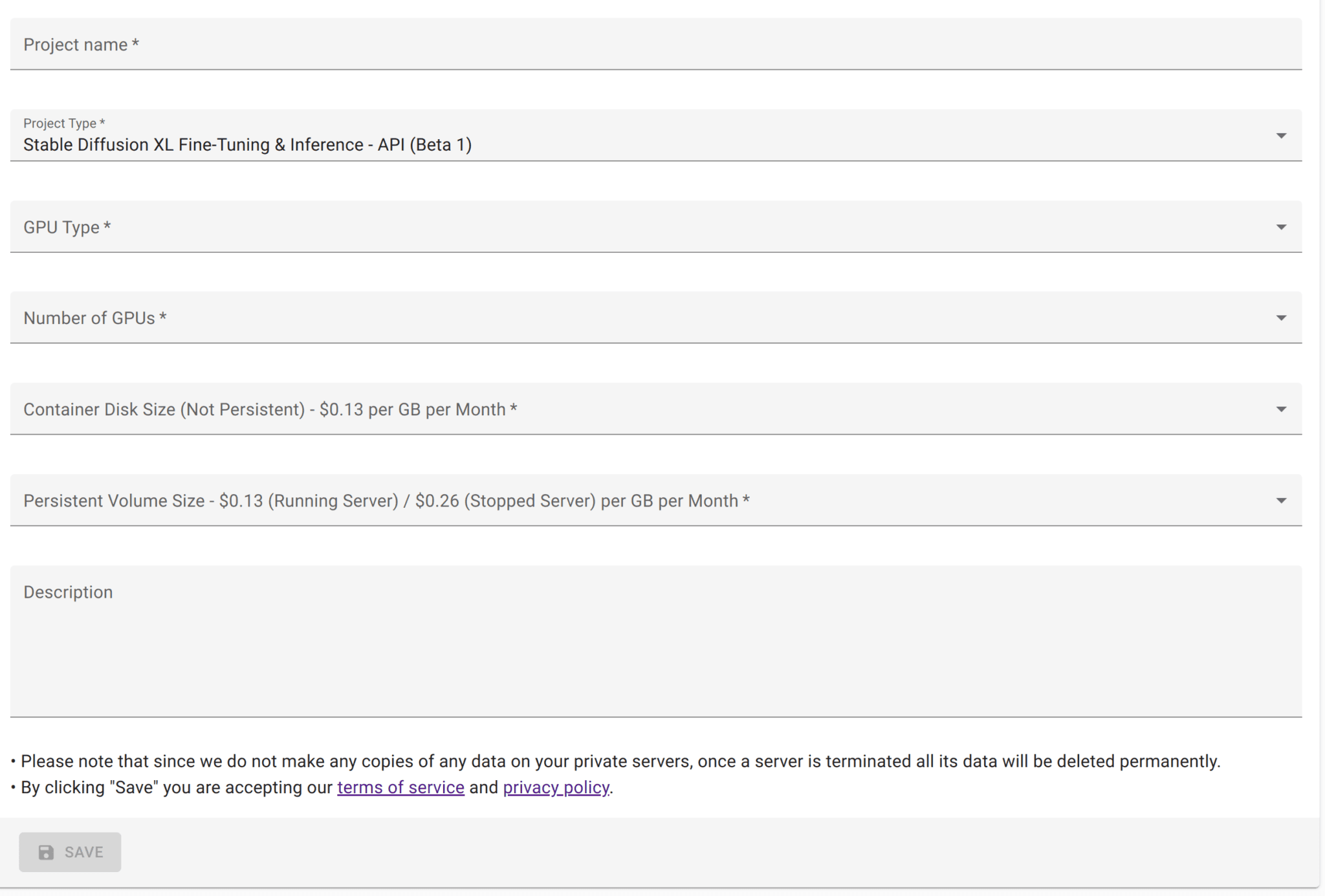
We introduce T-Num — a highly customizable Transformer-based model for specifically working with multivariate numerical sequential data. It is very easy to use T-Num through an API endpoint deployable on the AptAI platform. T-Num sets the stage for our novel search algorithm that is currently being developed.
Datasets
We focus on two types of datasets with multiple types of data series (multi-modal datasets in some sense). In the first instance, we have a dataset where a single dataset consists of several types of data series all belonging to the same experiment or environment (e.g., daily average stock prices for multiple companies). In the second instance we have a dataset where several multi-modal data series are available (e.g., concentrations of different chemicals in a reaction over hours) — we call this an independent experiments dataset.
Preprocessing
The first step is to prepare the data. The expected CSV format has a Dataset Identifier (identifying a specific experiment), a Time Step, and one or several Data Series. Once the data is prepared, AptAI pre-processes it and stores it locally on your private server, providing a UUID for next steps.
Step 1: Uploading the formatted data.
import json, time, requests
from urllib.parse import urljoin

header = {"x-api-key": "<YOUR-API-KEY>"}
base_url = "<YOUR-PRIVATE-SERVER-URL>"

files = [("file", open("<PATH-TO-YOUR-DATASET>", "rb"))]
r = requests.post(urljoin(base_url, "/api/v1/upload_files"), files=files, headers=header)
csv_file_uuids = r.json()["file_uuids"]
Step 2: Preprocessing.
payload = {"input_csv_file_uuids": csv_file_uuids}
r = requests.post(urljoin(base_url, "/api/v1/csv_preprocess"), json=payload, headers=header)
task_uuid = r.json()["task_uuid"]

while True:
    r = requests.post(urljoin(base_url, "/api/v1/tasks/progress"),
                      json={"task_uuid": task_uuid}, headers=header, timeout=1)
    if r.status_code == 200 and r.json()["progress"] == 100:
        break
    time.sleep(0.5)

r = requests.post(urljoin(base_url, "/api/v1/tasks/result"),
                  json={"task_uuid": task_uuid}, headers=header)
processed_data_uuid = r.json()["processed_data_uuid"]
Training
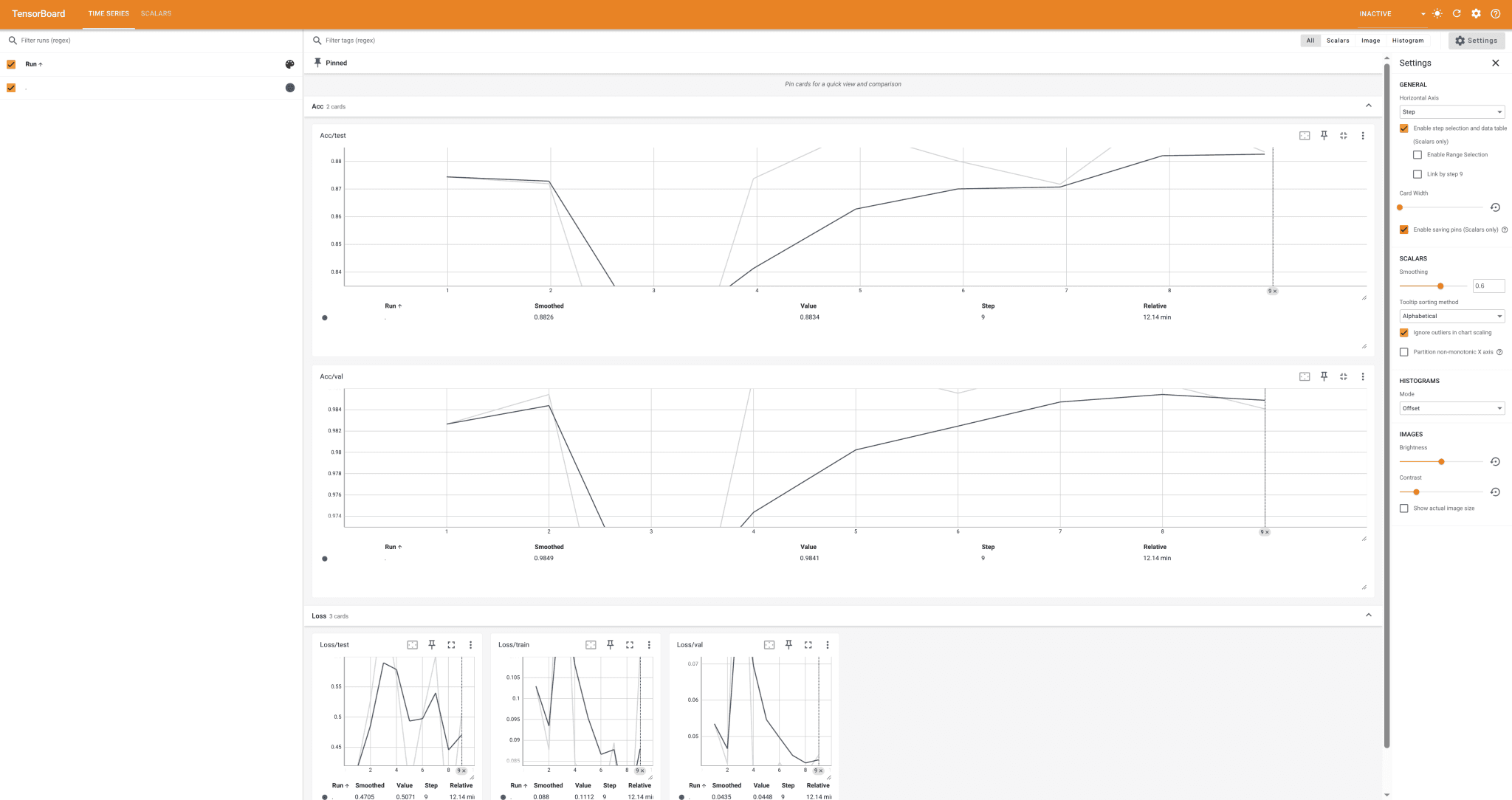
The most crucial step is the model training. Most of this comes from experience — sometimes more art than science. T-Num exposes the architecture, learning rate, dropout, validation parameters, and more.
payload = {
    "processed_data_uuid": processed_data_uuid,
    "batch_size": 10,
    "max_iter": 100,
    "learning_rate": 1e-4,
    "num_head": 4,
    "num_embed": 1024,
    "num_layer": 5,
    "drop_out": 0.1,
    "use_half_precision": False,
    "validation_split_fraction": 0.2,
    "validation_iterations": 10,
    "validation_interval_steps": 20,
    "max_block_size": 1330,
}
r = requests.post(urljoin(base_url, "/api/v1/train_t_num"), json=payload, headers=header)
task_uuid = r.json()["task_uuid"]

while True:
    r = requests.post(urljoin(base_url, "/api/v1/tasks/progress"),
                      json={"task_uuid": task_uuid}, headers=header, timeout=1)
    if r.status_code == 200 and r.json()["progress"] == 100:
        break
    time.sleep(0.5)

r = requests.post(urljoin(base_url, "/api/v1/tasks/result"),
                  json={"task_uuid": task_uuid}, headers=header)
checkpoint_uuid = r.json()["checkpoint_uuid"]
Inference
Inference is done in three steps: upload the initial data, preprocess it, then run inference and retrieve outputs.
files = [("file", open("tests/data/metabolomic1input.csv", "rb"))]
r = requests.post(urljoin(base_url, "/api/v1/upload_files"), files=files, headers=header)
csv_file_uuids = r.json()["file_uuids"]

payload = {"input_csv_file_uuids": csv_file_uuids, "checkpoint_uuid": checkpoint_uuid}
r = requests.post(urljoin(base_url, "/api/v1/csv_preprocess"), json=payload, headers=header)
task_uuid = r.json()["task_uuid"]
while True:
    r = requests.post(urljoin(base_url, "/api/v1/tasks/progress"),
                      json={"task_uuid": task_uuid}, headers=header, timeout=1)
    if r.status_code == 200 and r.json()["progress"] == 100: break
    time.sleep(0.5)
r = requests.post(urljoin(base_url, "/api/v1/tasks/result"),
                  json={"task_uuid": task_uuid}, headers=header)
processed_data_uuid = r.json()["processed_data_uuid"]

payload = {
    "checkpoint_uuid": checkpoint_uuid,
    "processed_data_uuid": processed_data_uuid,
    "max_new_tokens": 400,
    "batch_size": 1,
    "max_block_size": 400,
}
r = requests.post(urljoin(base_url, "/api/v1/t_num_inference"), json=payload, headers=header)
task_uuid = r.json()["task_uuid"]
while True:
    r = requests.post(urljoin(base_url, "/api/v1/tasks/progress"),
                      json={"task_uuid": task_uuid}, headers=header, timeout=1)
    if r.status_code == 200 and r.json()["progress"] == 100: break
    time.sleep(5)
r = requests.post(urljoin(base_url, "/api/v1/tasks/result"),
                  json={"task_uuid": task_uuid}, headers=header)
outputs = r.json()["outputs"]
Sample Results
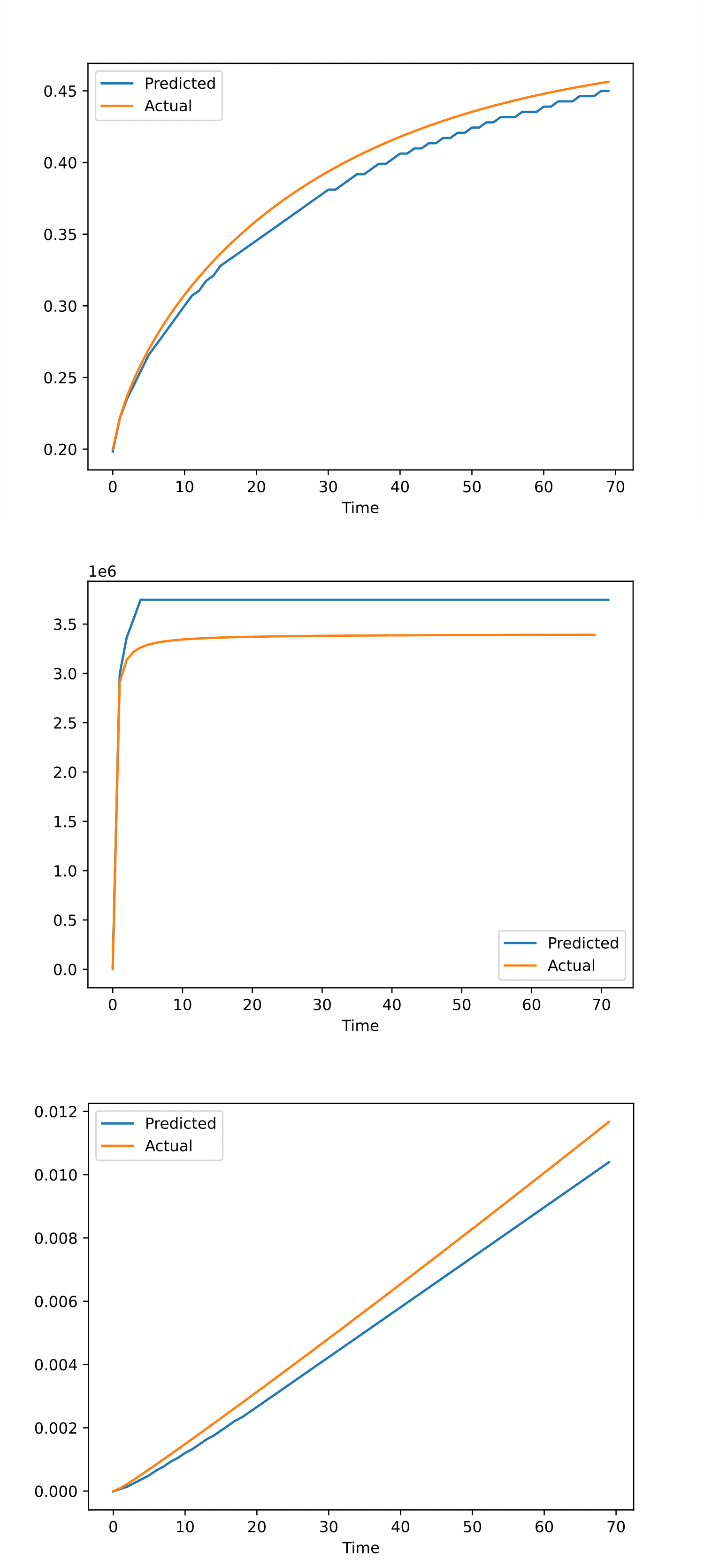
We tested T-Num on a synthetic dataset (predicting metabolic pathway dynamics from multiomics data — courtesy of the Lawrence Berkeley National Lab) and the results were interesting — even though we did not train the model more than an hour and the input was merely the concentrations of the metabolites at the initial step.