



AptAI-Search: An Efficient RL-Based Search for Transformer-Based Models for Anomaly Detection and Classification of Numerical Patterns
Introduction
Since Transformer-based language models in general and Large Language Models (LLMs) in particular are designed to accept a sequence of input tokens and predict the next token (or classify a sequence, etc.), it is natural to expect good prediction power for Transformer-based models when dealing with other types of sequential data. They are powerful conditional probability distribution estimators. However, there are several challenges that need to be addressed before these powerful machines can be used efficiently and effectively with other types of data.
We introduce AptAI-Search — a Reinforcement Learning based method for searching Transformer-based models for anomaly detection and classification of numerical patterns. Here, we focus on a publicly available dataset from Kaggle (network anomaly detection) that we have modified slightly to represent categorical variables with numerical codings.
The objective is to predict whether a set of network parameters (such as protocol, bytes transferred, duration, etc.) represent an anomaly. In our limited experiments we were able to find a model to achieve over 92% within two hours of running the search on a machine with a single 3090 GPU.
Using the Search API
Searching the Model Space
Step 1: Uploading the dataset to the server.
import json, time, requests
from urllib.parse import urljoin

header = {"x-api-key": "<YOUR-API-KEY>"}
base_url = "<YOUR-PRIVATE-SERVER-URL>"

files = [
    ("file", open("<PATH-TO-YOUR-TRAIN-DATASET>", "rb")),
    ("file", open("<PATH-TO-YOUR-TEST-DATASET>",  "rb")),
]
r = requests.post(urljoin(base_url, "/api/v1/upload_files"), files=files, headers=header)
csv_data_uuid     = r.json()["file_uuids"][0]
csv_test_data_uuid = r.json()["file_uuids"][1]
Step 2: Start the search process.
payload = {
    "data_uuid": csv_data_uuid,
    "test_data_uuid": csv_test_data_uuid,
    "data_type": "csv",
    "max_layers": 4,
    "n_head": [16, 32, 64],
    "Dim":    [512, 1024, 2048],
    "FC":     [1024, 512, 2048],
}
r = requests.post(urljoin(base_url, "/api/v1/search/start"), json=payload, headers=header)
task_uuid = r.json()["task_uuid"]
Step 3: Track progress for the search and view interim results.
while True:
    r = requests.post(urljoin(base_url, "/api/v1/search/status"),
                      json={"task_uuid": task_uuid}, headers=header, timeout=1)
    if r.status_code == 200:
        rj = r.json()
        if "results" in rj: print("Results:", rj["results"])
        if rj["progress"] == 100: break
    time.sleep(10)
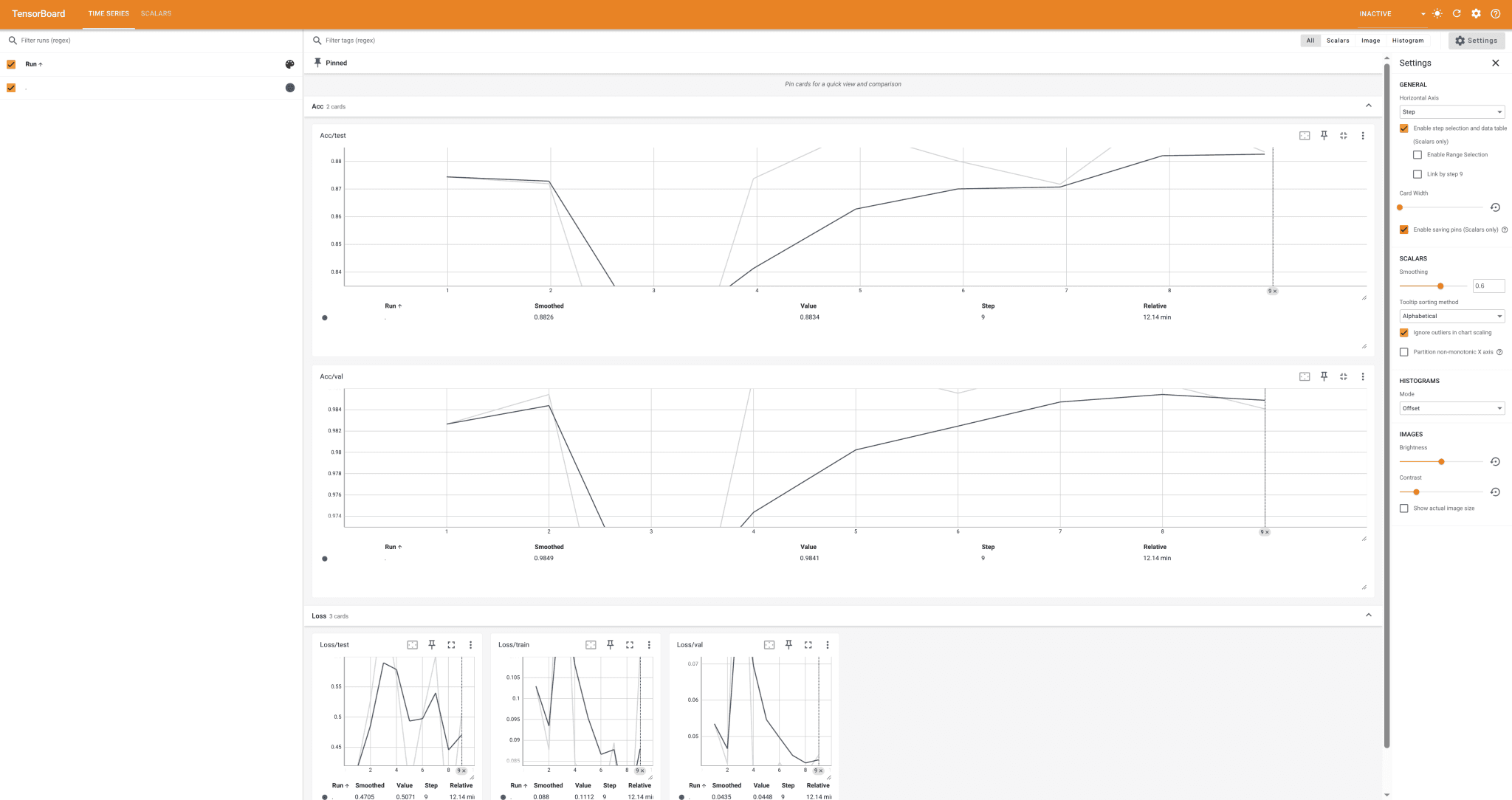
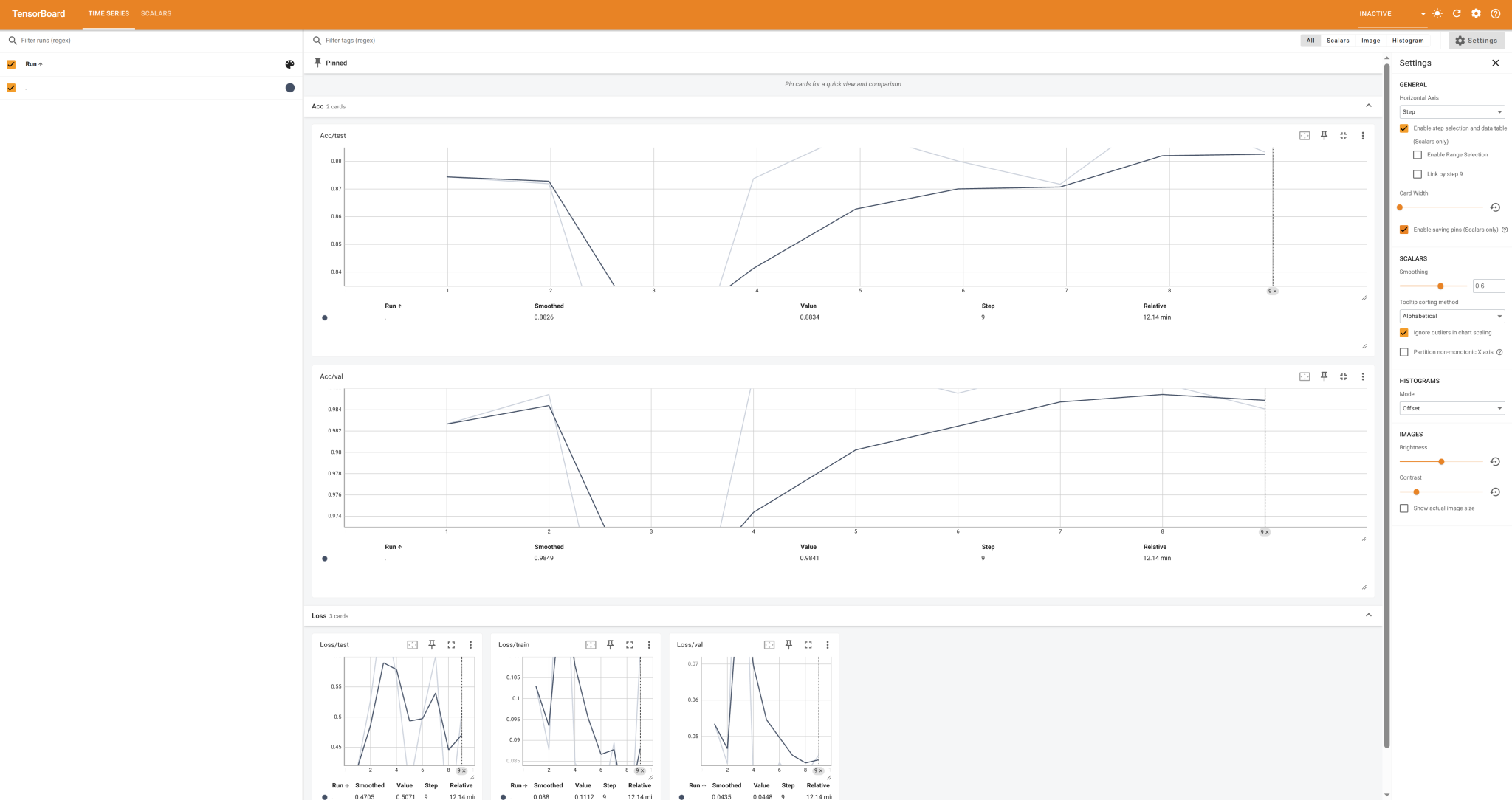
You can also use the provided Tensorboard link to track the progress.
Inference
Step 1: Upload your inference data (unlabeled).
files = [("file", open("<PATH-TO-YOUR-INFERENCE-DATASET>", "rb"))]
r = requests.post(urljoin(base_url, "/api/v1/upload_files"), files=files, headers=header)
csv_data_uuid = r.json()["file_uuids"][0]
Step 2: Inference — choose your desired model from the previous step and replace it with the model used in the following payload.
payload = {
    "data_uuid": csv_data_uuid,
    "data_type": "csv",
    "params_string": json.dumps([[64, 64, 64], [1024, 512, 1024], [512, 1024, 512]]),
}
r = requests.post(urljoin(base_url, "/api/v1/inference"), json=payload, headers=header)
print(r.json())