


From design to deployment. One platform.
AptAI Studio is a cloud-based software suite that helps AI teams design, train, and deploy custom AI solutions significantly easier and faster — OpenAI-compatible LLM endpoints, SDXL fine-tuning, RL-based model search, time-series modeling, and 4K video super-resolution, all behind your own private servers.
A suite of focused engines, not a monolith.
Each capability is a self-contained engine you can call independently — or compose into a richer pipeline. All ship behind your own private compute, with API documentation that mirrors industry standards.
LLM endpoints (OpenAI-compatible)
Drop-in replacement for OpenAI's ChatGPT endpoints. Use the official OpenAI Python / Node SDKs — switch two lines, point to your private server, fine-tune Mistral / Llama family models with SFT.
Stable Diffusion XL fine-tuning
Train SDXL LoRA models from a handful of images. Prompt-weighted txt2img and img2img with reproducible runs and per-server cloud-storage of trained LoRAs.
AptAI Search — RL-based model search
Reinforcement-learning-based search across Transformer architectures for anomaly detection and classification of numerical patterns. > 92% on a network anomaly benchmark in ~2 hours on a single 3090.
T-Num for numerical time-series
Highly customizable Transformer-based model for multivariate numerical sequential data. Single- or multi-experiment datasets, quantized preprocessing, and full training control.
FastVSR — 4K Video Super Resolution
Upscale 540p video to 4K efficiently with WAN-2-based methods (FlashVSR). Ship as part of any video generation pipeline or restore historical footage.
Private compute, on-demand
Every project gets its own private server with random URL, randomly generated API key, and a /docs page with the full API reference. Stop the server to drop costs to storage-only.
From zero to a private API endpoint in five steps.
The admin dashboard does the orchestration so you can focus on the model and the data.
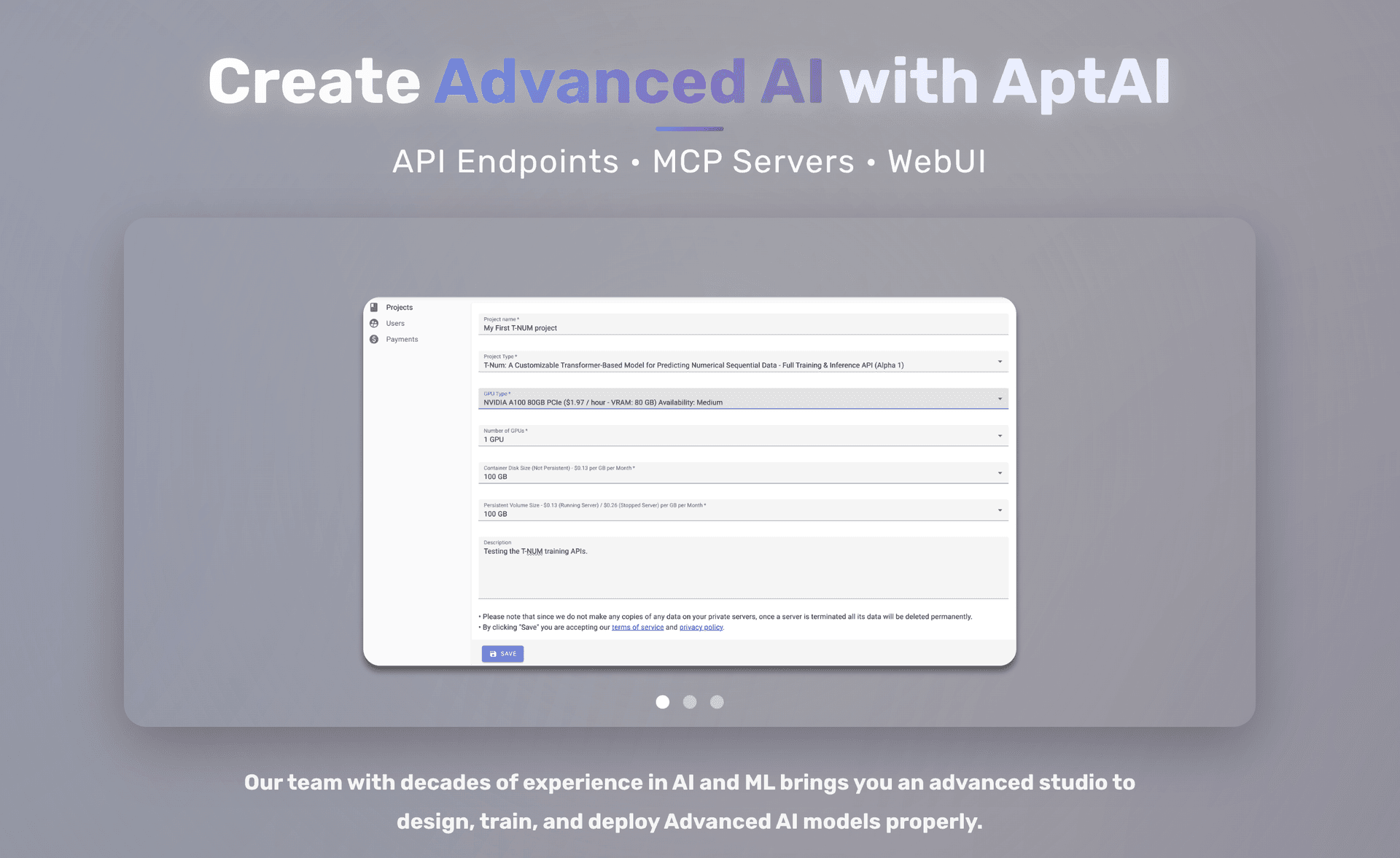
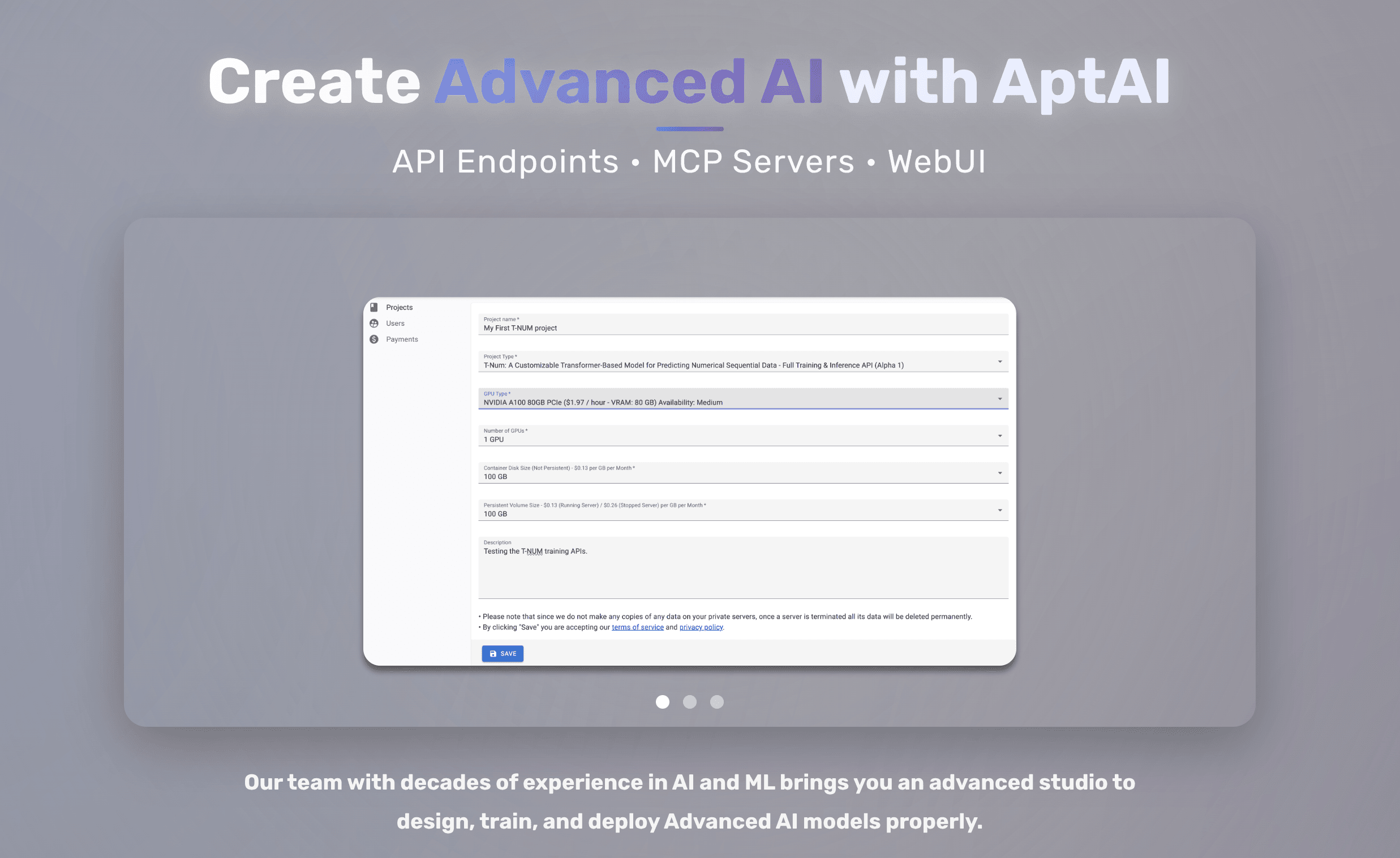
- 01Create a projectPick the task type, GPU class, and base models. Save the project from the admin.
- 02Start your serverCREATE & START. ~10 minutes to provision, download models, and initialize.
- 03Access the API docsA random private URL appears under Server Access. Open the /docs page with your credentials.
- 04Call the APIsUse your API key for txt2img, fine-tuning, inference, search, or VSR — from any client.
- 05Stop or terminateReduce costs to storage-only with STOP, or fully tear down with TERMINATE.
OpenAI-compatible. Two lines of change.
Swap your OpenAI base URL and API key for AptAI's private server URL. Your existing client code keeps working — including streaming chat, fine-tuning, and file uploads.
from openai import OpenAI

client = OpenAI(
    api_key="<YOUR-PRIVATE-API-ENDPOINT-API-KEY>",
    base_url="<YOUR-RUNNING-SERVER-URL>",
)

resp = client.chat.completions.create(
    model="mistralai/Mistral-7B-Instruct-v0.2",
    messages=[{"role": "user", "content": "Summarize the Q3 board memo."}],
    stream=True,
)
for chunk in resp:
print(chunk.choices[0].delta.content or "", end="")Read the tutorials.
Every engine has a step-by-step tutorial in the blog — preserved from the original AptAI documentation set.
Want to see AptAI Studio in action?
We'll run a personalized demo and discuss the right configuration for your workload.