



Fine-Tuning Stable Diffusion XL Using AptAI APIs
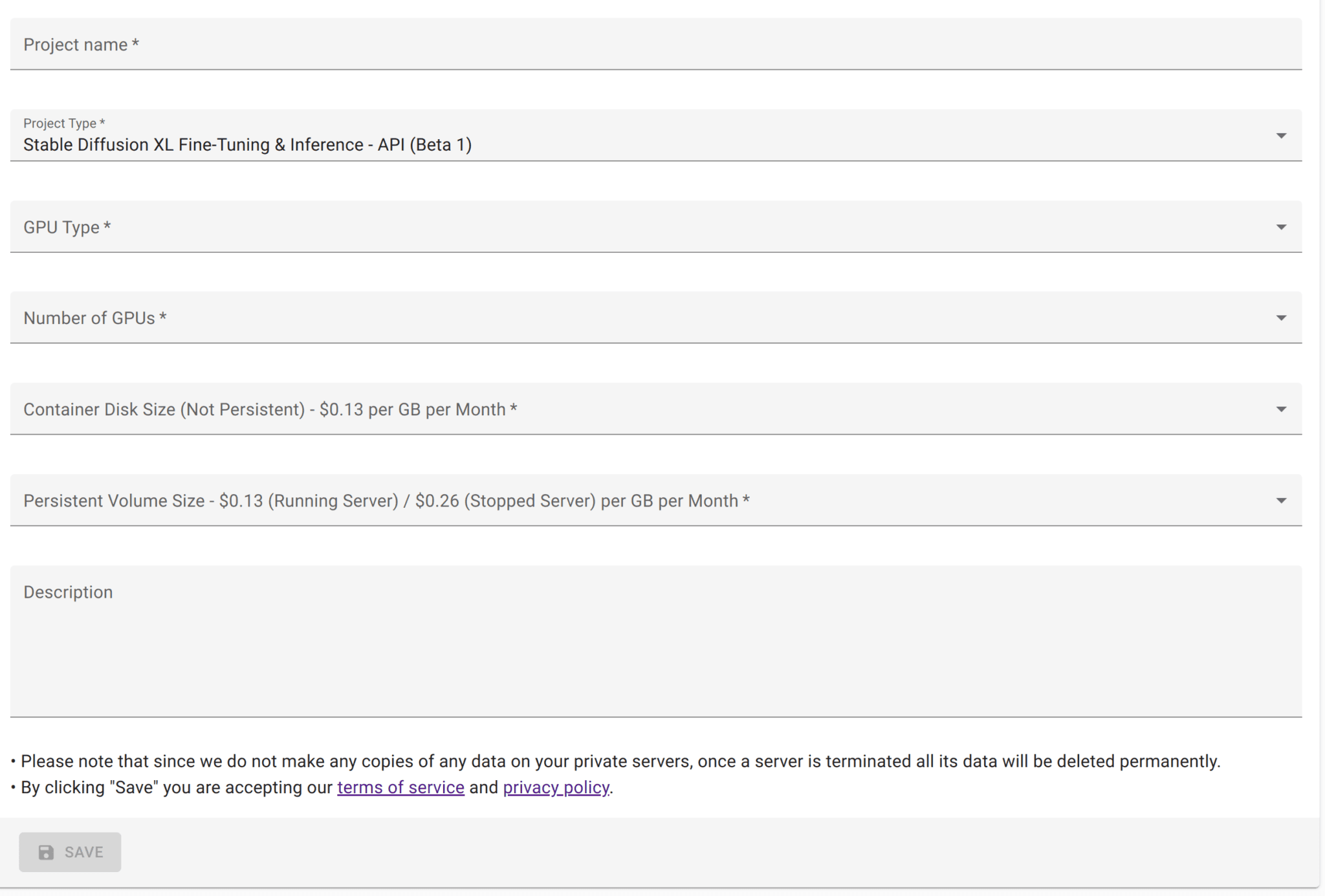
Using AptAI APIs you can fine-tune Stable Diffusion XL (SDXL) — one of Stability AI's most powerful open source models. After creating an AptAI API project for fine-tuning SDXL and gaining access to its server, you can follow the steps on this page for fine-tuning an SDXL model using Python.
Step 1: Upload your training images
To fine-tune SDXL you are going to need at least a few images (three to four images would suffice in many cases). You can use the same endpoint to upload images for img2img tasks as well.
import io, json, time, requests
from PIL import Image
from urllib.parse import urljoin

header = {"x-api-key": "<YOUR-API-KEY>"}
base_url = "<YOUR-PRIVATE-SERVER-URL>"

files = [
    ("file", open("<PATH-TO-YOUR-TRAINING-IMAGE1>", "rb")),
    ("file", open("<PATH-TO-YOUR-TRAINING-IMAGE2>", "rb")),
]
url = urljoin(base_url, "/api/v1/upload_multiple_files")
r = requests.post(url=url, files=files, headers=header)
image_uuids = r.json()["file_uuids"]
print("image_uuids:", image_uuids)
Step 2: Start a fine-tuning task
Once the files are uploaded, you can start a fine-tuning task using these files. The fine-tuning can take from about five minutes to more than an hour based on the number of images and the parameters you set. Make sure to include a unique keyword to refer to the object you are training, for instance "my_obj1". This endpoint supports prompt weighting — use "+" and "-" to emphasize or de-emphasize words.
values = {
    "lora_name": "<AN-ARBITRARY-NAME-FOR-YOUR-LORA-MODEL>",
    "base_model_name": "stabilityai/stable-diffusion-xl-base-1.0",
    "pretrained_vae_model_name_or_path": "madebyollin/sdxl-vae-fp16-fix",
    "input_images_uuids": image_uuids,
    "instance_prompt": "<PROMPT-DESCRIBING-THE-INPUT>",
    "keywords": "<YOUR-UNIQUE-KEYWORD>",
    "resolution": 1024,
    "batch_size": 1,
    "gradient_accumulation_steps": 4,
    "learning_rate": 0.0001,
    "lr_warmup_steps": 0,
    "lr_scheduler": "linear",
    "max_train_steps": 500,
    "validation_epochs": 100,
    "checkpointing_steps": 250,
    "is_experimental": "true",
    "train_text_encoder": "true",
}
url = urljoin(base_url, "/api/v1/train")
r = requests.post(url, data=json.dumps(values), headers=header)
task_uid = r.json()["task_uid"]
For instance, if you want your model to learn a new face, you can use:
"instance_prompt": "a photo of sbs1 man.",
"keywords": "sbs1"
Step 3: Check the status of the fine-tuning task
while True:
    url = urljoin(base_url, "/api/v1/tasks/progress")
    r = requests.post(url, json={"task_uid": task_uid}, headers=header, timeout=1)
    if r.status_code == 200 and r.json()["progress"] == 100:
        break
    time.sleep(5)

url = urljoin(base_url, "/api/v1/tasks/result")
r = requests.post(url, json={"task_uid": task_uid}, headers=header)
lora_uuid = r.json()["uuid"]
In case you decide to interrupt (i.e. stop) the training process you can use the following code:
url = urljoin(base_url, "/api/v1/tasks/interrupt")
values = {"task_uid": task_uid}
r = requests.post(url, data=json.dumps(values), headers=header)
time.sleep(2)
print(r.json())
To see the statuses and results of all your fine-tuning tasks you can use this code:
url = urljoin(base_url, "/api/v1/tasks/all")
r = requests.post(url, headers=header)
print(r.json())
Step 4: Generate images (txt2img)
values = {
    "lora_uuid": lora_uuid,
    "base_model_name": "stabilityai/stable-diffusion-xl-base-1.0",
    "vae_model_name": "madebyollin/sdxl-vae-fp16-fix",
    "prompt": "<YOUR-PROMPT>",
    "negative_prompt": "<YOUR-NEGATIVE-PROMPT>",
    "height": 1024,
    "width": 1024,
    "num_inference_steps": 15,
    "guidance_scale": 7.5,
    "num_images_per_prompt": 1,
    "eta": 0,
    "seed": 0,
}
url = urljoin(base_url, "/api/v1/txt2img")
r = requests.post(url, data=json.dumps(values), headers=header, stream=True)
img = Image.open(io.BytesIO(r.content))
img.show()
The prompt and negative prompt play critical roles in the quality and consistency of the images you are trying to create. Here are a couple of examples for creating professional headshots:
"prompt": "8k intricate, highly detailed, digital photography, best quality+, perfect++ eyes, masterpiece, A professional headshot of 35 year-old (sxs man)+++ dark++ brown eyes smooth skin in a (black suit)+ necktie, cinematic lighting modern",
"negative_prompt": "(deformed iris, deformed pupils)+, text, worst quality, low quality, jpeg artifacts, ugly, duplicate, morbid, mutilated, (extra fingers)+, (mutated hands)+, poorly drawn hands, poorly drawn face, mutation, deformed, blurry, dehydrated, bad anatomy, bad proportions, extra limbs, cloned face, disfigured, gross proportions, malformed limbs, missing arms, missing legs, extra arms, extra legs, (fused fingers)+, (too many fingers)+, long neck, camera",
Optional Step: Upload your LoRA to cloud storage
The LoRA model you just trained will be only accessible by the private server you are currently using. If you want to use this LoRA with your other AptAI private servers, you can optionally upload your LoRA model to our cloud storage (small monthly cost).
values = {"lora_uuid": lora_uuid}
url = urljoin(base_url, "/api/v1/upload_lora_model")
r = requests.post(url, data=json.dumps(values), headers=header, stream=True)
print(r.json())